Sign up
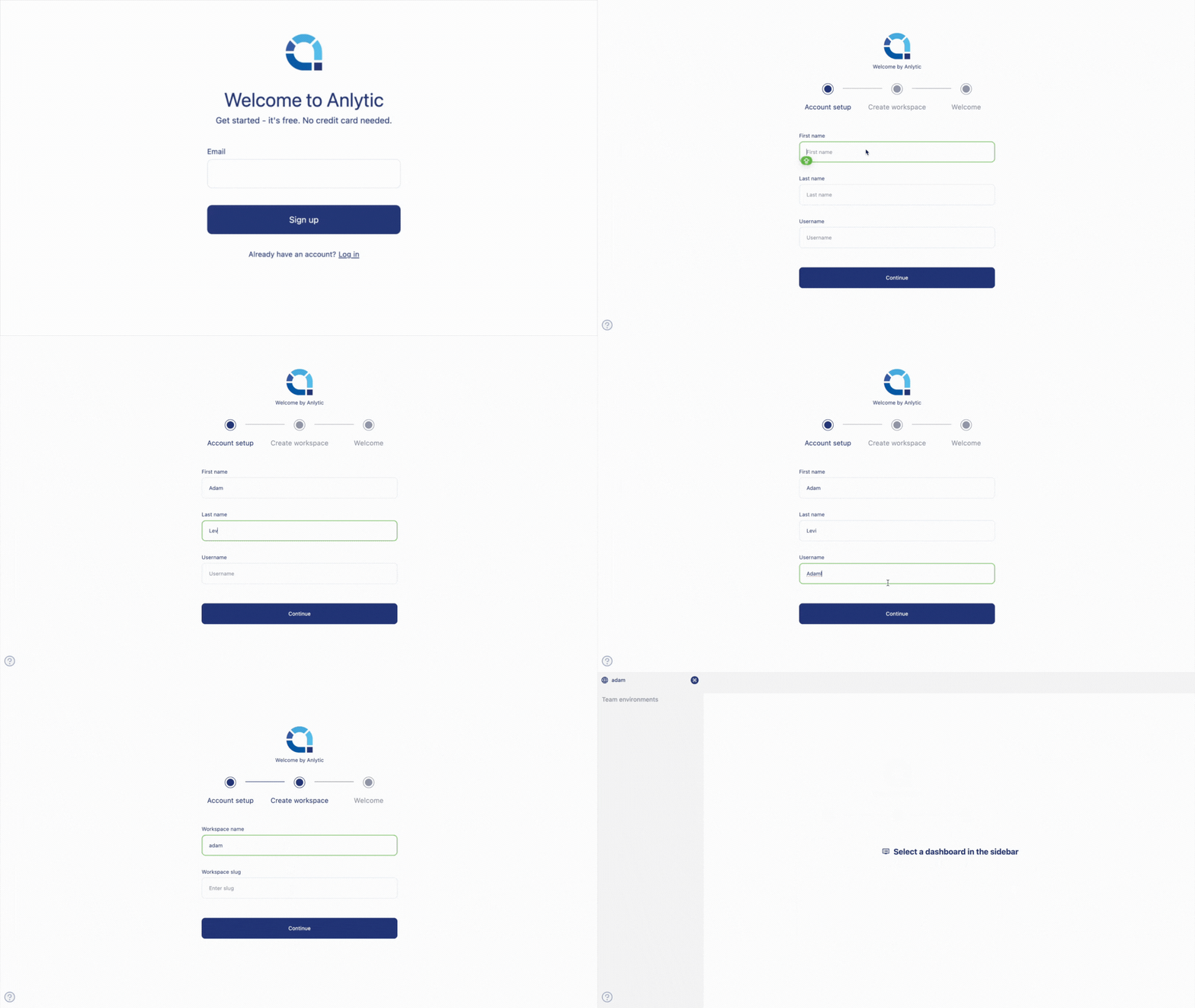
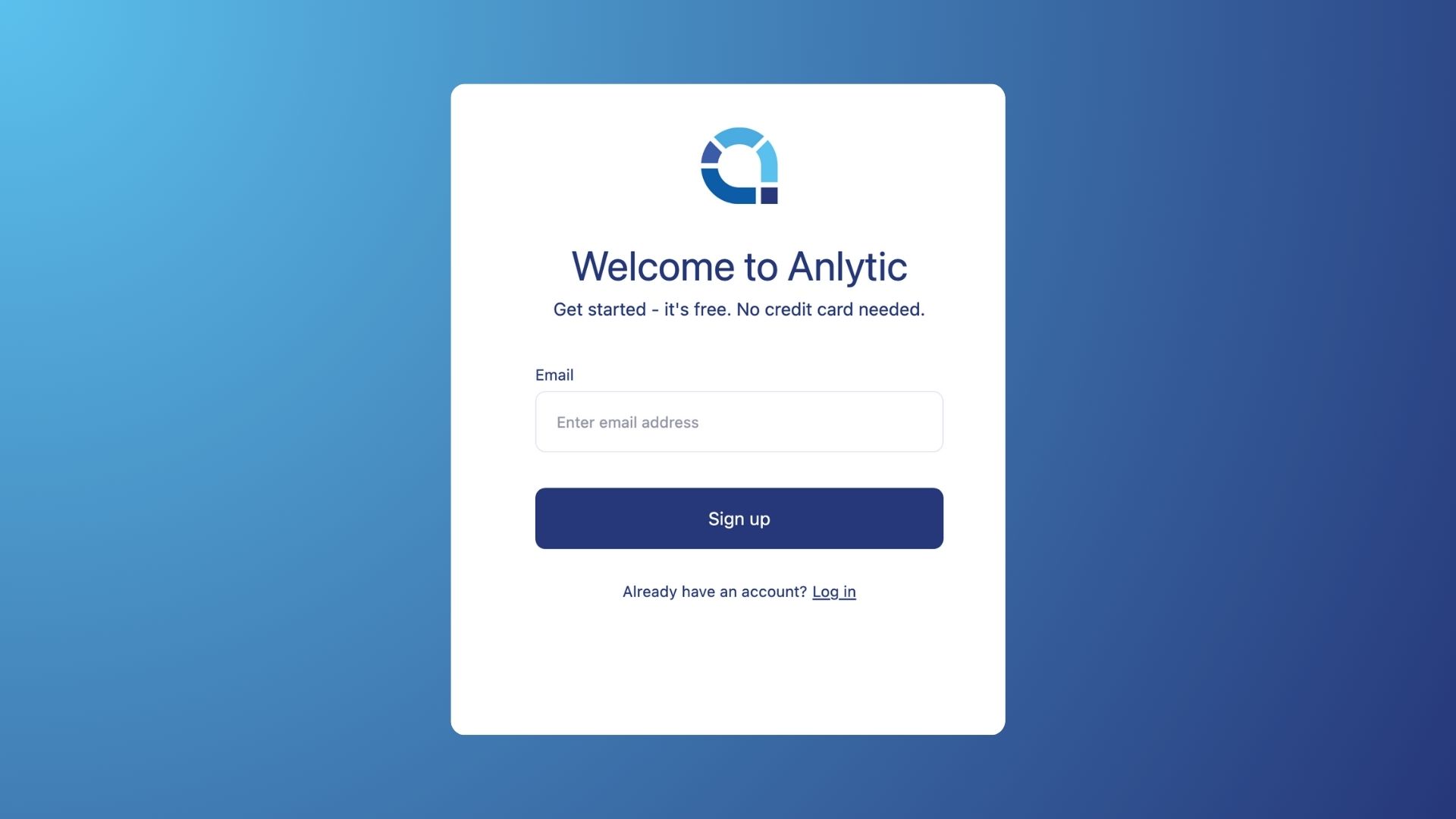
1. Go to sign-up page and sign up with your email to use the platform.
Written By Natalia
Last updated Over 1 year ago
You will receive a verification email with a One-Time Password, click on verify or copy and paste the code to continue signing up.
Set up your account by adding a first & last name and a user name.
Give a name to your workspace to create a workspace. Click on start to begin using the platform.